Before You Start / Safety
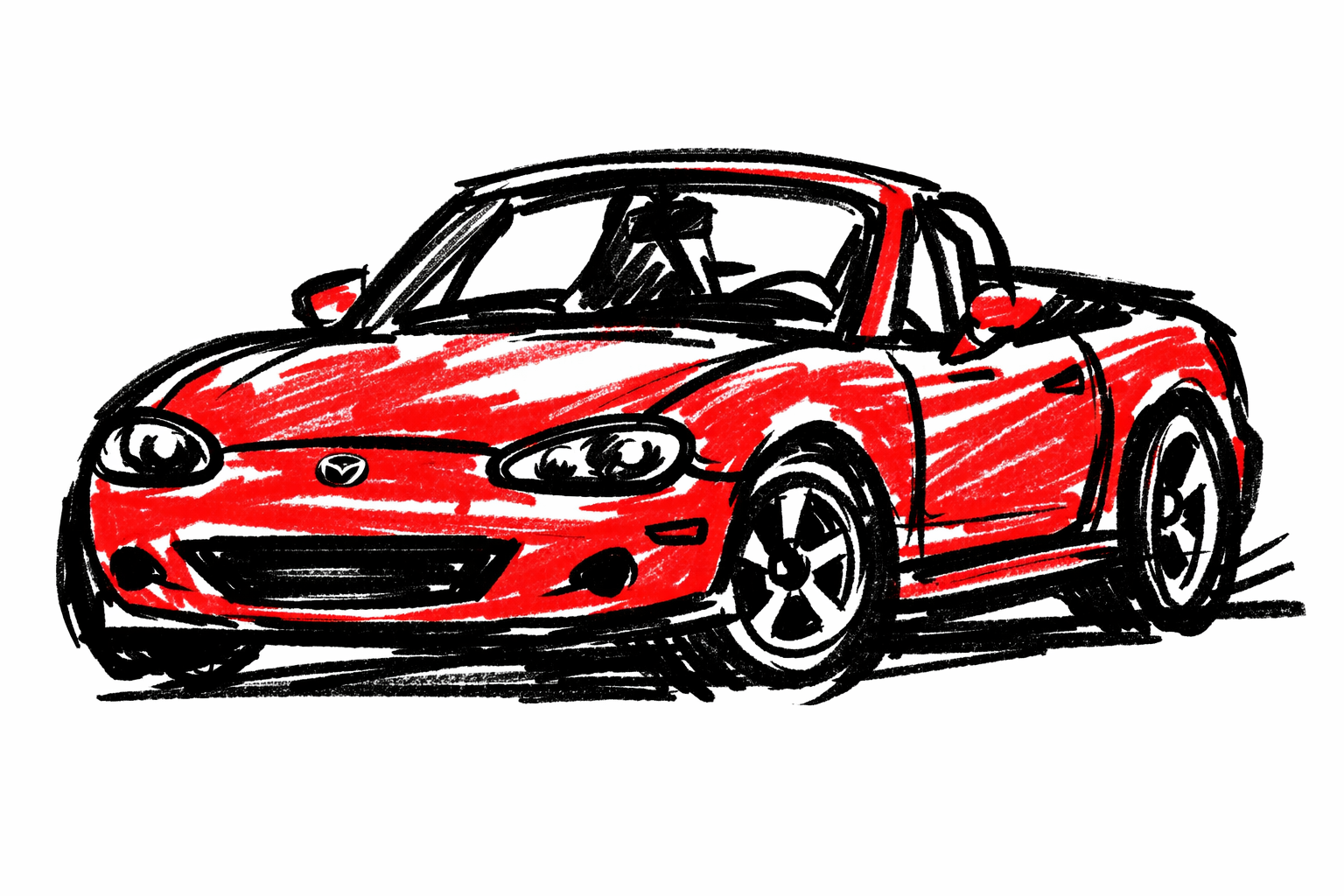
This guide is for Mazda MX-5 NB (1998-2005).
OBD-II data points you in the right direction; it does not replace mechanical checks.
- Key OFF before plugging scanner in.
- Route cable away from pedals.
- Record all data before clearing anything.
Required Tools
- OBD-II scanner (basic code reader minimum)
- Preferably a scanner/app showing freeze-frame and readiness
- Notes/screenshots for captured data
OBD port location on NB
The 16-pin OBD-II connector is under the driver-side lower dash/knee area.
Tip: connect with ignition OFF, then switch to KOEO (key on engine off) for first read.
Step-by-Step Procedure
1) Capture symptom context first
Write when fault appears:
- cold start,
- hot restart,
- idle,
- steady cruise,
- acceleration/load,
- after refueling.
Context is essential for interpreting the same DTC differently.
2) Pull all code categories
Read and save:
- stored codes,
- pending codes,
- permanent codes (if supported).
Do not clear yet.
3) Save freeze-frame for each relevant DTC
Capture values such as:
- RPM,
- coolant temp,
- vehicle speed,
- calculated load,
- short/long fuel trim (if available).
Freeze-frame helps identify the exact condition that triggered the fault.
4) Run basic live-data sanity checks
With warmed engine at idle, compare values for plausibility:
- coolant should show realistic warm value (not stuck at impossible low/high),
- upstream O2 activity should not be frozen,
- trims should not be extreme without an obvious cause.
Practical clue:
- impossible coolant value + related DTC often points to circuit/open/short issues before sensor replacement.
5) Check readiness monitors
Before inspection or after repair, record monitor states:
- complete,
- incomplete,
- unsupported.
Important: clearing codes resets monitor progress on most ECUs.
6) Interpret conservatively
- A code names a circuit/function, not always a failed part.
- Verify power/ground/connectors/vacuum leaks before replacing expensive components.
- Prioritize root-cause faults that can trigger secondary codes.
7) After repair: clear and verify
Only clear after corrective work.
Then complete mixed driving:
- idle,
- city stop/go,
- steady cruise,
- decel/coast.
Rescan for returning codes and monitor completion.
Quick interpretation cues
- Pending only, no MIL: intermittent or early failure criteria.
- Stored + immediate return after clear: hard fault likely (wiring/power/ground/sensor circuit).
- Multiple unrelated low-voltage-style codes: check battery/charging and grounds first.
Verification / Post-service checks
- Original symptom reduced or eliminated
- No immediate code return after repair
- Readiness state suitable for local inspection rules
Sources
- MELLENS — Mazda Miata Factory Service Manuals (year/VIN diagnostic chart confirmation source). Retrieved 2026-03-14. https://www.mellens.net/mazda/index.html
- OBD Auto Doctor — OBD2 Readiness Monitors Explained (readiness behavior and reset context). Retrieved 2026-03-14. https://www.obdautodoctor.com/tutorials/obd-readiness-monitors-explained/
- OBD-Codes.com — How to Read Freeze Frame Data (freeze-frame interpretation context). Retrieved 2026-03-14. https://www.obd-codes.com/faq/read-freeze-frame-data.php