Before You Start / Safety
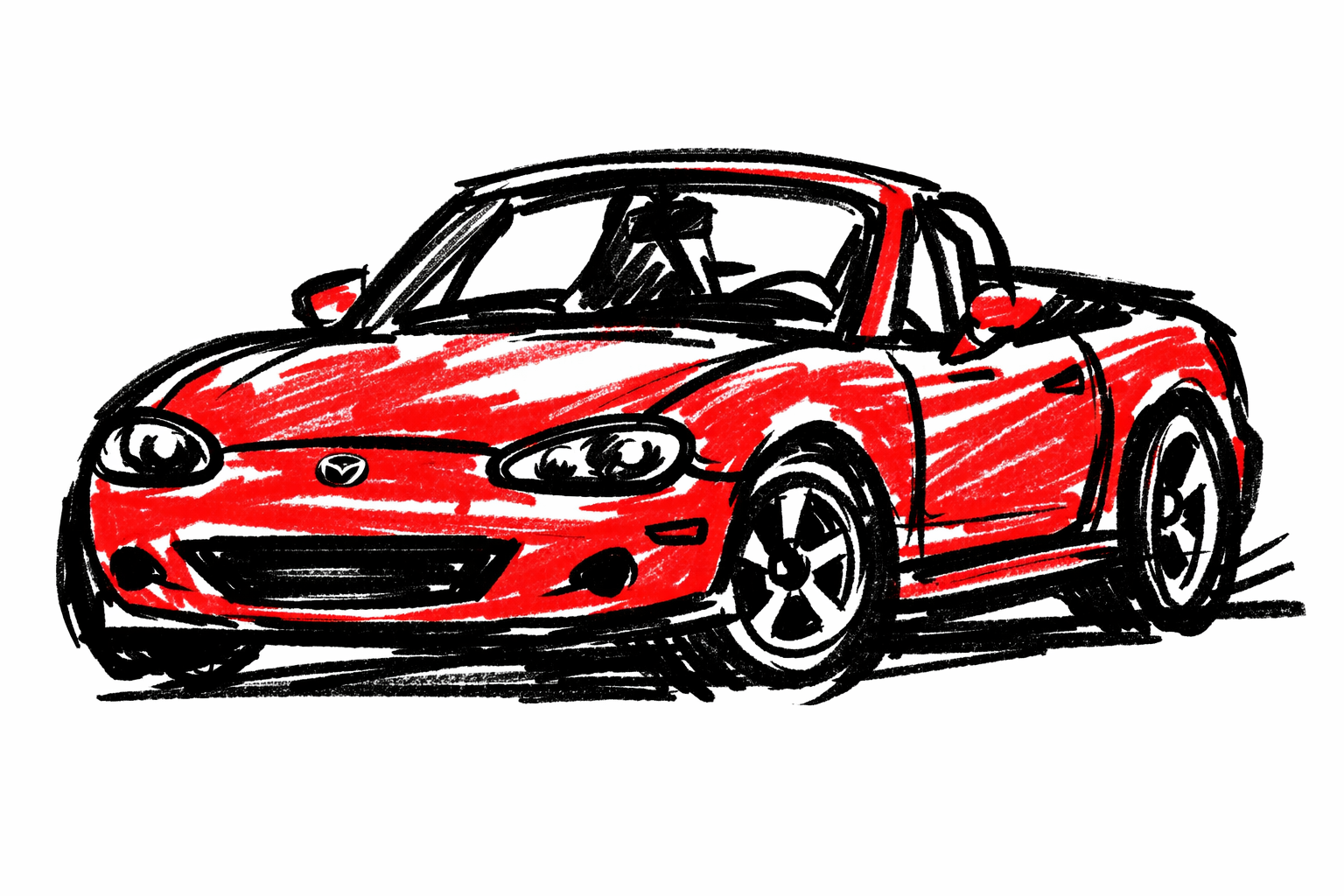
This guide is for Mazda MX-5 NB (1998-2005).
A battery swap is easy when done cleanly, but wrong fitment or poor hold-down can cause intermittent electrical faults and premature battery failure.
- Wear eye and hand protection.
- Remove metal jewelry before terminal work.
- Keep tools clear of body metal when working at positive terminal.
Required Tools
- 10 mm wrench/socket (typical terminal clamp size)
- Socket/ratchet for hold-down hardware
- Terminal brush/cleaner
- Battery terminal protectant (optional)
- Gloves + safety glasses
Required Parts / Fluids
- Correct battery for your NB tray and cable orientation
- Replacement clamp/hold-down hardware if corroded or stripped
- Optional anti-corrosion pads
Practical battery selection checklist
Confirm all four before purchase:
- Case size fits tray and hold-down.
- Terminal orientation matches cable length naturally.
- Capacity (Ah/CCA) is at least OEM-equivalent for your climate/use.
- Battery type/venting is compatible with your installed location setup.
If choosing between options, prioritize correct fit + secure hold-down over marketing CCA numbers.
Where the battery is on NB
Battery location can differ by market/spec and prior modifications.
Common NB layouts you may encounter:
- in-trunk location on one side behind trim panel, or
- engine-bay placement on converted/modified cars.
Before disconnecting anything:
- locate battery physically,
- photograph cable routing and hold-down arrangement,
- note any vent tube connection.
Step-by-Step Procedure
1) Pre-removal checks
- Ignition OFF, key out.
- Verify radio/security presets if needed.
- Confirm replacement battery orientation against installed one.
2) Disconnect in correct order
- Disconnect negative (-) terminal first.
- Disconnect positive (+) terminal.
- Remove hold-down bracket.
- Lift battery out upright.
Never tilt heavily if battery may vent electrolyte.
3) Clean and inspect tray/cables
- Clean tray and remove corrosion debris.
- Inspect cable insulation near clamps for cracks/hardening.
- Clean clamp interiors to bright metal contact.
- Check ground cable connection points for corrosion.
4) Install replacement battery
- Set battery in tray with correct polarity orientation.
- Install hold-down so battery cannot shift.
- Connect positive (+) first, then negative (-).
- Tighten clamps until secure; avoid crushing terminal posts.
5) Physical security check (must pass)
With both clamps tight:
- push battery by hand in all directions.
- If it moves, correct hold-down fitment before driving.
6) Post-install electrical validation
- Start engine and confirm strong crank.
- Confirm no battery warning lamp.
- Measure charging voltage at battery terminals:
- typical running range around 13.5-14.8 V depending load/temperature.
7) Short-drive recheck
After 10-20 minute drive:
- recheck terminal tightness,
- confirm no hot-terminal smell,
- confirm battery remains fully restrained.
Practical mistakes to avoid
- Disconnecting positive first (higher short risk).
- Installing reversed orientation and stressing cables to reach.
- Reusing damaged hold-down hardware.
- Leaving trunk/engine-bay venting/seals incorrectly routed where applicable.
Verification / Post-service checks
- Reliable start hot and cold
- No terminal heating/arcing signs
- Battery warning lamp stays off
- Battery fixed securely with zero tray movement
Sources
- MELLENS — Mazda Miata Factory Service Manuals (year/VIN battery-system confirmation source). Retrieved 2026-03-14. https://www.mellens.net/mazda/index.html
- AutoZone — How to Change a Car Battery (safe disconnect/reconnect workflow context). Retrieved 2026-03-14. https://www.autozone.com/diy/battery/how-to-replace-a-car-battery
- wikiHow — How to Change a Car Battery (general handling and terminal safety context). Retrieved 2026-03-14. https://www.wikihow.com/Change-a-Car-Battery
- 2CarPros — How to Check a Car Alternator (charging-voltage verification context after battery service). Retrieved 2026-03-14. https://www.2carpros.com/articles/how-to-check-a-car-alternator
- Reddit r/Miata — Search: nb battery replacement (NB owner location/fitment variation context). Retrieved 2026-03-14. https://www.reddit.com/r/Miata/search/?q=nb%20battery%20replacement&restrict_sr=1