Before You Start / Safety
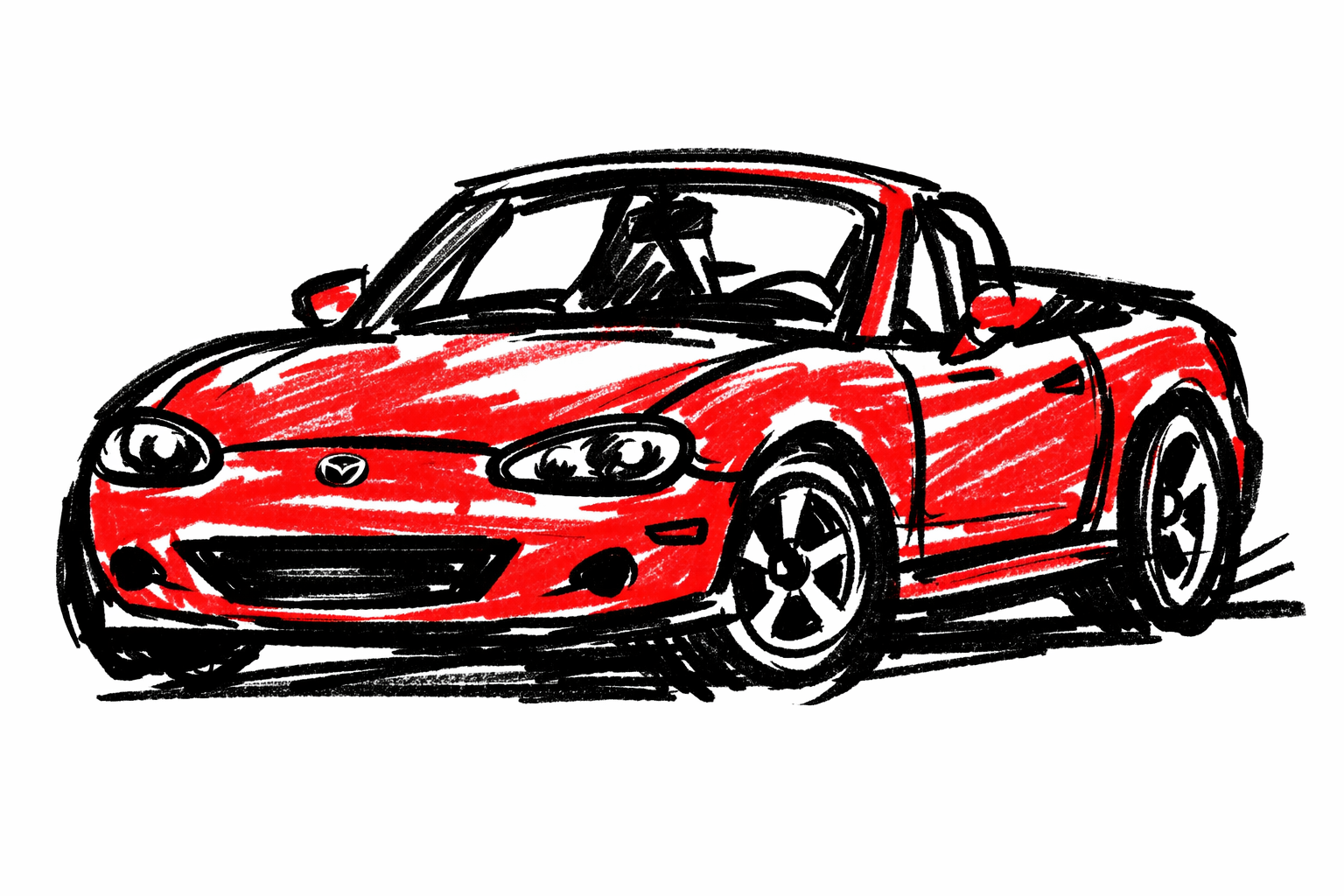
This guide is for Mazda MX-5 NB (1998-2005).
NB remotes vary by market/year and many cars now use aftermarket shells or alarm systems. Always confirm your actual battery code from the removed cell.
- Work on a clean table so tiny clips/springs are not lost.
- Keep coin cells away from children/pets.
- Do not bend PCB or button membrane when opening case.
Required Tools
- Plastic pry tool/pick (avoid metal screwdriver if possible)
- Lint-free cloth
- Optional tweezers (plastic preferred)
Required Parts / Fluids
- Correct replacement coin cell matching original code and chemistry
Practical battery-code rules
Most NB-era fobs use 3V lithium coin cells in the CR20xx family, commonly CR2025 or CR2032.
Important:
- CR2025 and CR2032 are not interchangeable in every fob (thickness differs).
- Match the full printed code on old cell.
- Use a fresh, reputable battery in sealed packaging.
Step-by-Step Procedure
1) Identify your fob style first
Before opening:
- note button count and case style,
- remove key blade/insert if your shell design has one,
- locate seam notch (usually at side/end of shell).
2) Open case without cracking tabs
- Insert plastic tool at seam notch.
- Twist gently until first clip releases.
- Move along seam and release clips progressively.
Avoid forcing one corner only; that usually breaks tabs.
3) Document battery orientation before removal
- Take a quick phone photo of cell orientation.
- Note which side faces up (
+/-).
This prevents reverse-install mistakes.
4) Replace coin cell
- Lift old cell out gently from retaining contacts.
- Inspect contacts for oxidation or weak spring tension.
- Install new cell in exact same orientation and seat fully.
If contact looks dull/dirty, wipe lightly with dry lint-free cloth before insertion.
5) Reassemble correctly
- Ensure PCB and rubber button pad are aligned.
- Snap shell halves together evenly around perimeter.
- Confirm all clips engage (no corner gaps).
6) Functional test at vehicle
Test from normal distance:
- lock,
- unlock,
- trunk release (if equipped).
If fob has LED, confirm it lights consistently when buttons are pressed.
Quick fault triage (if still not working)
- LED on fob, no car response -> likely pairing/receiver issue.
- No LED and no response -> battery orientation/contact or PCB/button issue.
- Works only very close to car -> weak cell, poor contact, or internal fob antenna/board issue.
Try one known-good new cell before deeper troubleshooting.
Practical mistakes to avoid
- Forcing shell open with metal blade and cracking tabs.
- Installing battery upside-down.
- Assuming all CR20xx sizes fit the same holder.
- Touching contact springs excessively and deforming them.
Verification / Post-service checks
- Reliable lock/unlock at normal range
- Buttons feel normal with no sticking
- Shell fully clipped with no rattles/gaps
Sources
- MELLENS — Mazda Miata Factory Service Manuals (year/VIN keyless-system confirmation source). Retrieved 2026-03-14. https://www.mellens.net/mazda/index.html
- wikiHow — Change the Battery in a Key Fob (general case opening and battery replacement workflow context). Retrieved 2026-03-14. https://www.wikihow.com/Change-the-Battery-in-a-Key-Fob
- Energizer — Coin Cell Batteries (coin-cell handling/safety context). Retrieved 2026-03-14. https://www.energizer.com/batteries/coin-cell-batteries
- Reddit r/Miata — Search: nb key fob battery (NB owner variation context). Retrieved 2026-03-14. https://www.reddit.com/r/Miata/search/?q=nb%20key%20fob%20battery&restrict_sr=1